For months I’ve been clicking IGNORE, IGNORE, IGNORE whenever I got a Facebook invite to “start biting chumps” through the Vampires, Werewolves and Zombies applications. I never saw the value of these apps so I never added them. But friends kept sending me invites over and over it really got on my nerves!
Today I made sure these applications would never bother me again…
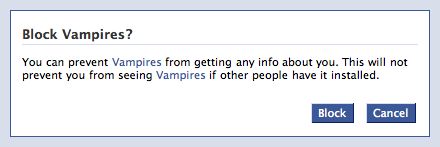
I don’t know how I didn’t notice this sooner! I’ve been such a blurcase! If you’re like me, here’s how to do it.
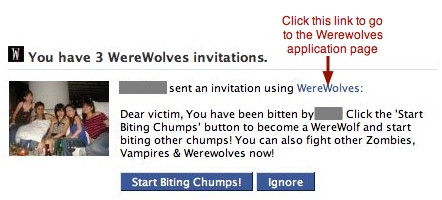
To block an unwanted Facebook applications, simply go to its page, scroll down and look for the Block Application link at the bottom of the right sidebar. You’ll then experience the same happiness I felt when I saw the block confirmation box. Click Block and banish the application to the blocked application list for eternity!



You… are… my… hero…
Haha, you’re welcome
He rised. ,
so…u think we r evil to…jeez its da same wit all u humans